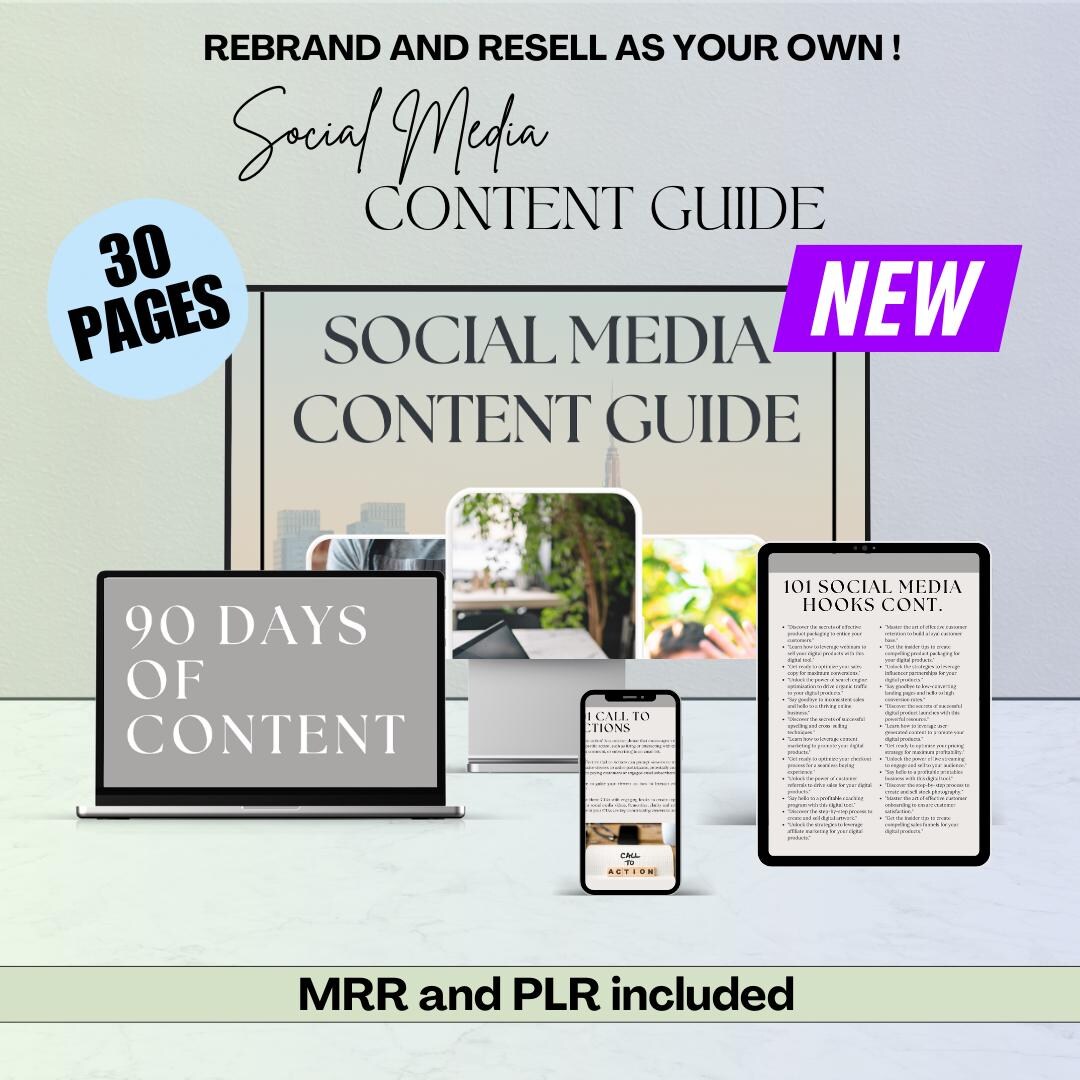
Course Overview
Learn how to plan, create, organize, and schedule 60 days of engaging social media content for businesses, personal brands, and eCommerce stores. This course provides a complete content planning system, helping you maintain consistency, increase engagement, attract customers, and save hours of content creation time.
What You’ll Learn
- Build a 60-day content strategy
- Create engaging social media posts consistently
- Plan content for multiple platforms
- Develop a strong brand voice
- Increase audience engagement
- Generate leads through content marketing
- Organize content using a content calendar
- Repurpose one piece of content into multiple formats
- Schedule posts efficiently
- Track content performance and improve results
Module 1: Introduction to Content Planning
Lessons
- Why content planning matters
- Benefits of a 60-day content strategy
- Understanding the content creation process
- Common content planning mistakes
- Setting realistic content goals
Module 2: Defining Your Brand
Lessons
- Identifying your target audience
- Creating customer personas
- Developing your brand voice
- Choosing your content style
- Setting brand guidelines
- Creating a visual identity
Module 3: Content Pillars
Lessons
- What are content pillars?
- Educational content
- Promotional content
- Entertaining content
- Inspirational content
- Community-building content
- Behind-the-scenes content
- User-generated content
Module 4: Creating a 60-Day Content Calendar
Lessons
- Planning weekly content
- Monthly content themes
- Daily posting strategy
- Organizing content categories
- Color-coding your calendar
- Tracking publishing dates
Module 5: Content Ideas & Brainstorming
Lessons
- Finding trending topics
- Competitor research
- Frequently asked questions
- Seasonal content
- Industry news
- Customer success stories
- Product highlights
- Evergreen content ideas
Module 6: Writing Engaging Captions
Lessons
- Caption writing formulas
- Writing strong hooks
- Storytelling techniques
- Call-to-action (CTA) strategies
- Hashtag research
- Emoji usage
- Caption formatting
Module 7: Designing Social Media Graphics
Lessons
- Creating graphics with Canva
- Choosing colors and fonts
- Designing branded templates
- Carousel design
- Story graphics
- Promotional banners
Module 8: Short-Form Video Content
Lessons
- Creating Instagram Reels
- Facebook Reels
- TikTok videos
- YouTube Shorts
- Video scripting
- Editing videos with CapCut
- Adding captions and effects
Module 9: Platform-Specific Strategies
Lessons
Facebook
- Business page content
- Community engagement
- Local marketing
Instagram
- Feed posts
- Stories
- Reels
- Carousels
LinkedIn
- Professional posts
- Industry insights
- Personal branding
TikTok
- Viral content ideas
- Trending challenges
- Short educational videos
X (Twitter)
- Threads
- Daily engagement
- News updates
Module 10: Scheduling & Automation
Lessons
- Using Meta Business Suite
- Canva Content Planner
- Scheduling tools
- Bulk scheduling
- Best posting times
- Managing multiple platforms
Module 11: Measuring Performance
Lessons
- Understanding analytics
- Reach and impressions
- Engagement rate
- Click-through rate (CTR)
- Follower growth
- Content optimization
Module 12: Repurposing Content
Lessons
- Turning blogs into posts
- Reusing videos
- Converting Reels into Shorts
- Creating carousel posts
- Recycling evergreen content
- Cross-platform publishing